Tools
Timer, tasks, and the journal
The Steam tags call Drawquarium a desktop companion. The tools I can name are the ones printed on the store page or visible in screenshots: checklist, journal, timer, and clock.
Last checked: 2026-10-30
Labels that appear on screen
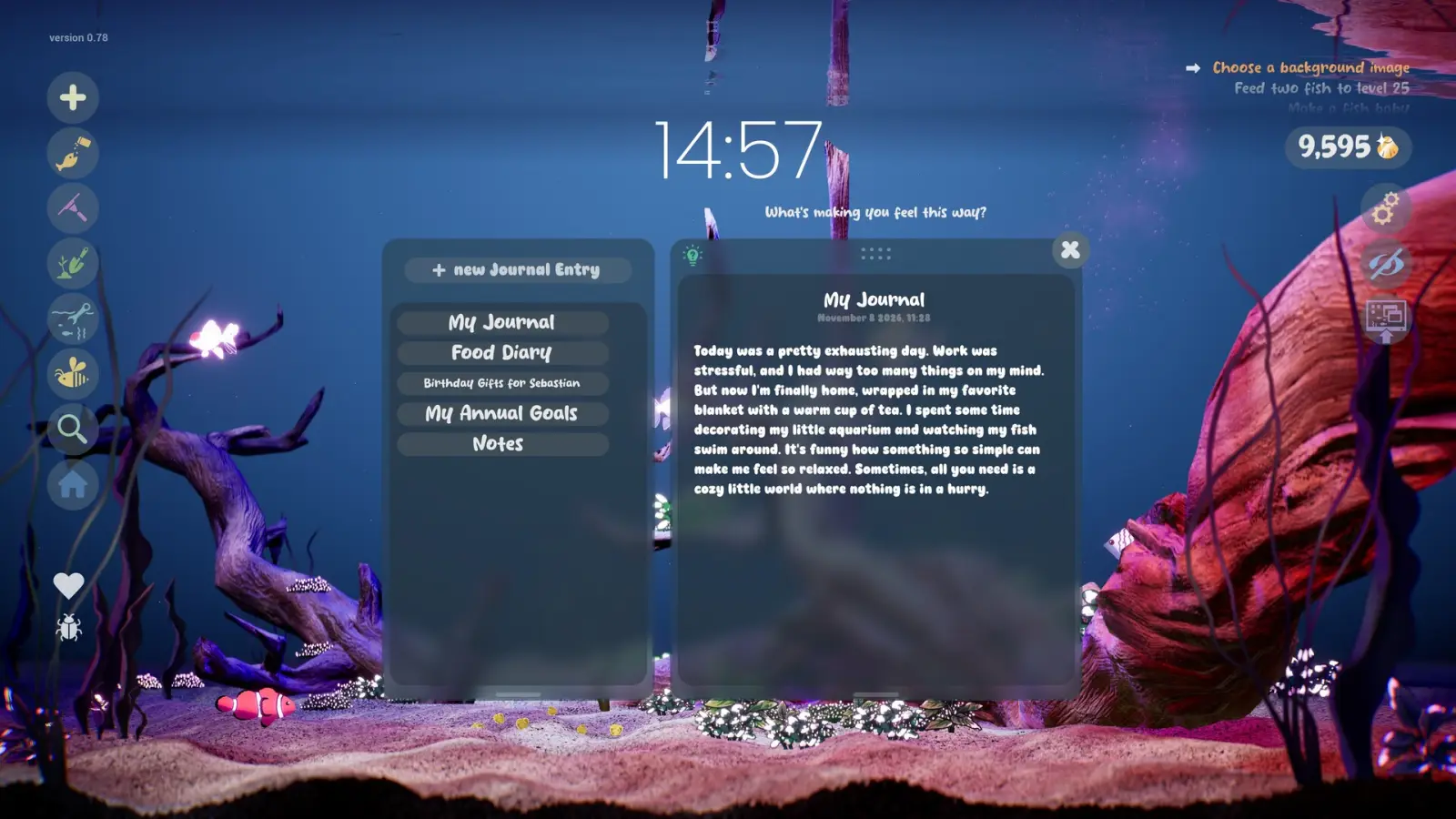
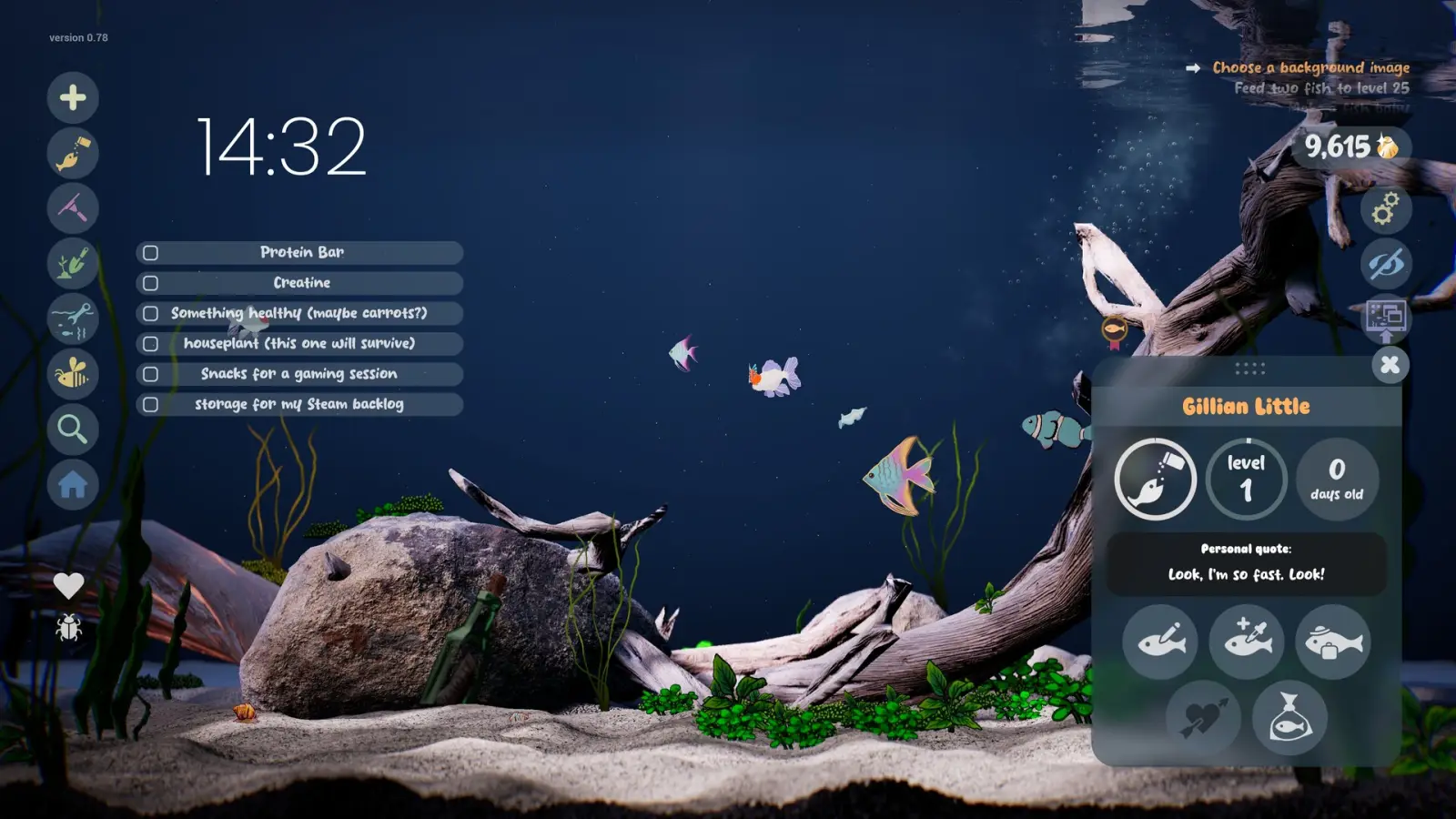
One screenshot opens My Journal with tabs for Food Diary, Aquarium Life Activities, My Animal Goals, and Notes. Another puts a checklist on the left, with items such as a protein bar and a creative task, while a fish card for Gillian Little sits on the right at level 1 and zero days old. A clock reading 15:25 appears over a finished tank.
Task lines visible in other frames include feeding fish toward a level and choosing a background image. I am not turning those lines into a complete quest log. They are examples of what the build in the screenshot was asking, and the demo UI can change before November.
What this is not
Nothing in the store text describes cloud sync, phone reminders, or a shared household calendar. The clock shows date and weekday in the screenshot set, which is a desk widget, not an export to another app. If you came here looking for a standalone pomodoro product, this game is the tank first and the timer second.
The September announcement groups these tools with the sandbox rather than shipping them as a separate download. They ride along with the Steam install.
Questions people ask
Does Drawquarium have a journal?
Yes. A store screenshot labels Food Diary, Aquarium Life Activities, My Animal Goals, and Notes.
Is the timer a separate app?
No. The store lists it inside the game, next to the checklist and clock.
Can I sync tasks to my phone?
No such sync is described. The tools sit on the Windows desktop with the tank.
Keep going
Sources checked 2026-10-30
- Steam store page, Drawquarium (app 4045480) — checked 2026-10-30
- September update announcement — checked 2026-10-30