Guides
Drawquarium guides
These pages answer how the sandbox is described, what PC it asks for, and how wallpaper mode is documented. They do not pretend to be a click-by-click manual of menus nobody has published.
Last checked: 2026-10-30
Pick the question you actually have
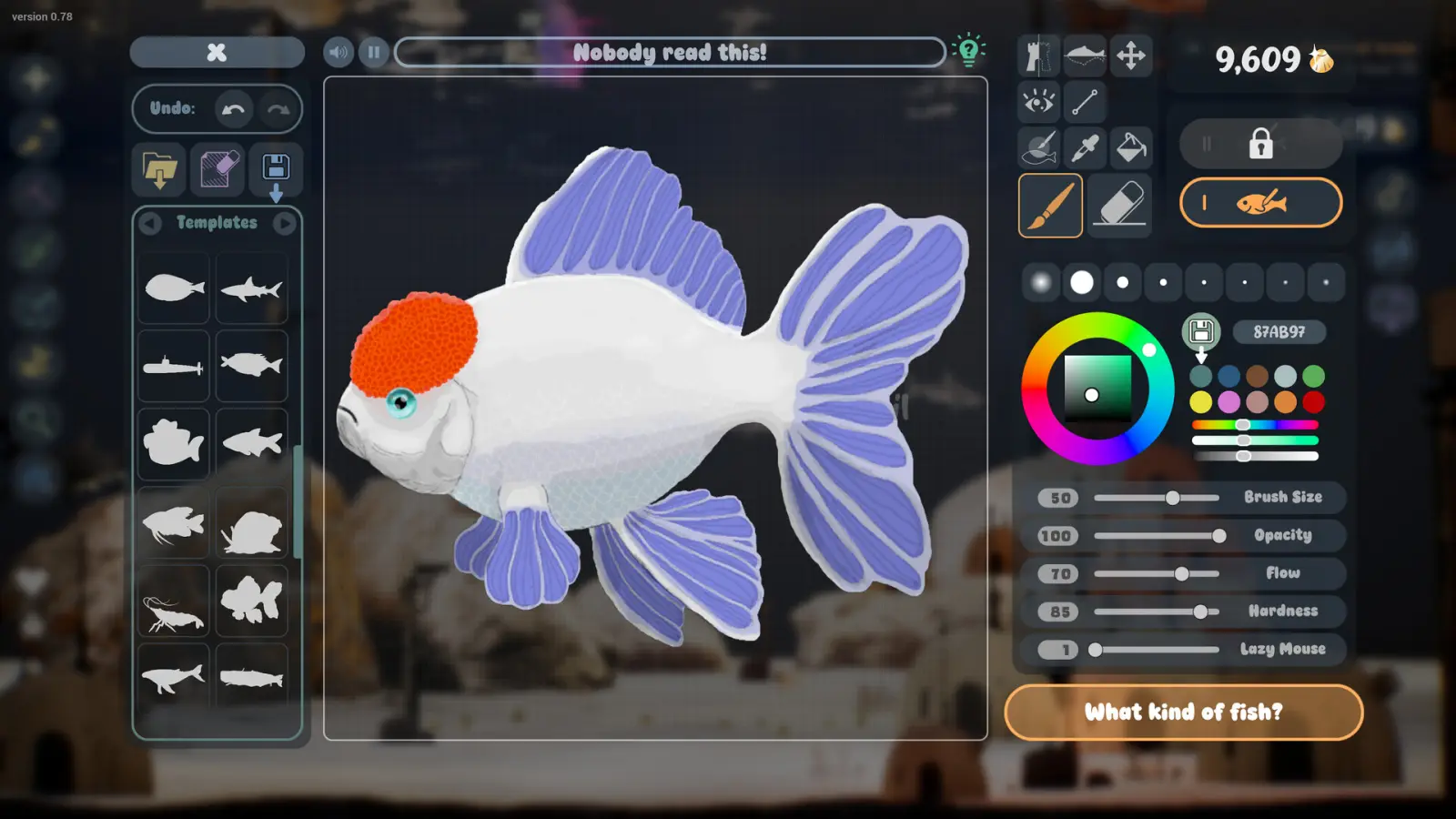
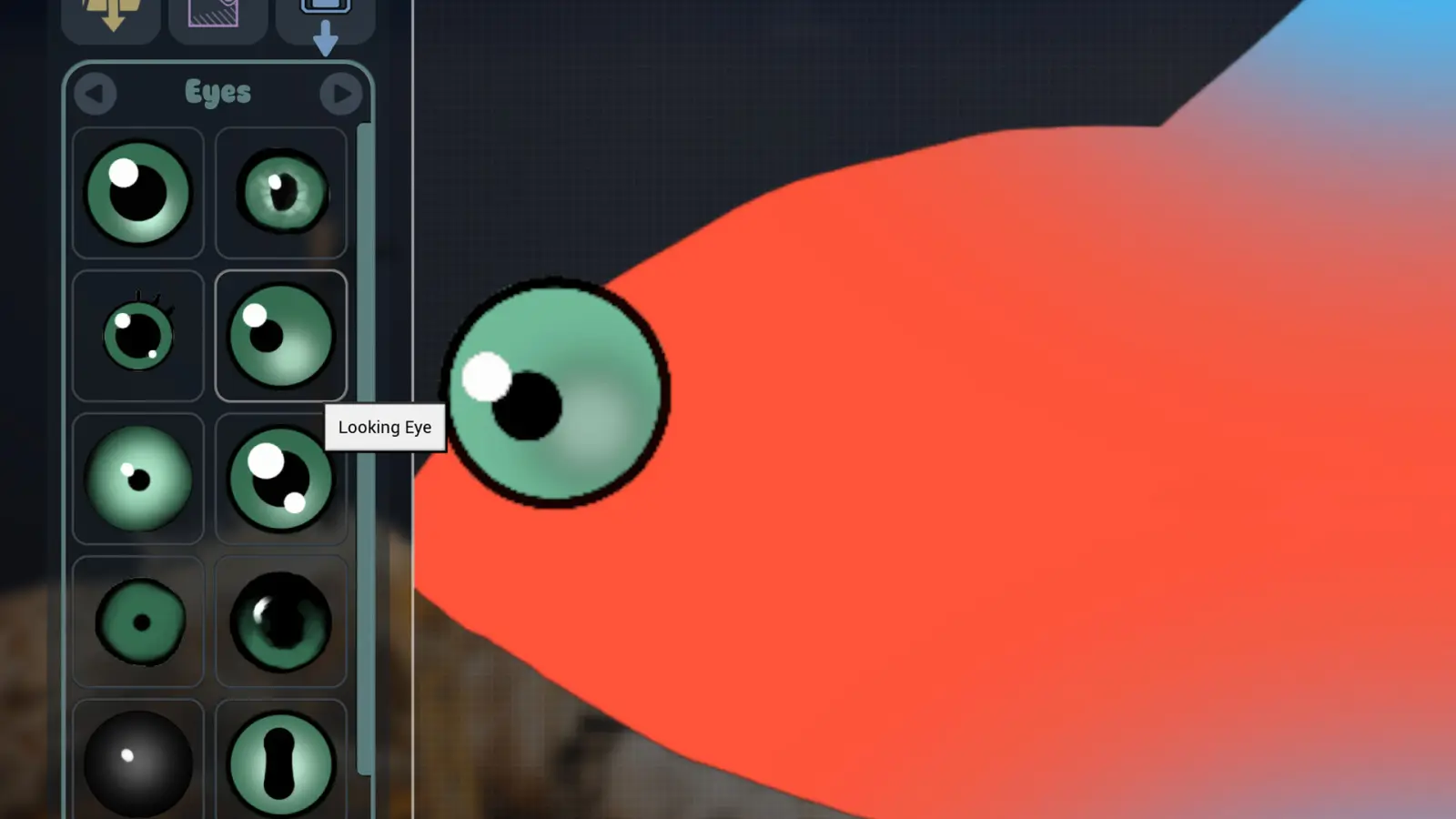
How to play covers drawing, feeding, Golden Scales, and the loop the store describes. System requirements copies the minimum PC and says plainly that the recommended block repeats it. Wallpaper mode collects what screenshots and discussions show, including the complaints. Productivity tools covers the checklist, journal, timer, and clock.
A public menu path for entering wallpaper mode was not written down in any source I trust, so that page refuses a fake step list. The same rule applies if a number, such as a growth level, never appears in a store text or a screenshot caption.
Questions people ask
Is there an official Drawquarium wiki?
I have not found a usable studio wiki. This guide's wiki section is a reading of the store text and screenshots.
Which guide should I read first?
How to play, then system requirements if you are unsure the PC qualifies, then wallpaper mode if the desktop is the point.
Keep going
Sources checked 2026-10-30
- Steam store page, Drawquarium (app 4045480) — checked 2026-10-30