Plants
Plants you draw into the tank
Plants are a core drawing subject, not a shop catalog. The store puts them next to fish and food as things you sketch yourself.
Last checked: 2026-10-30
What writers and screenshots show
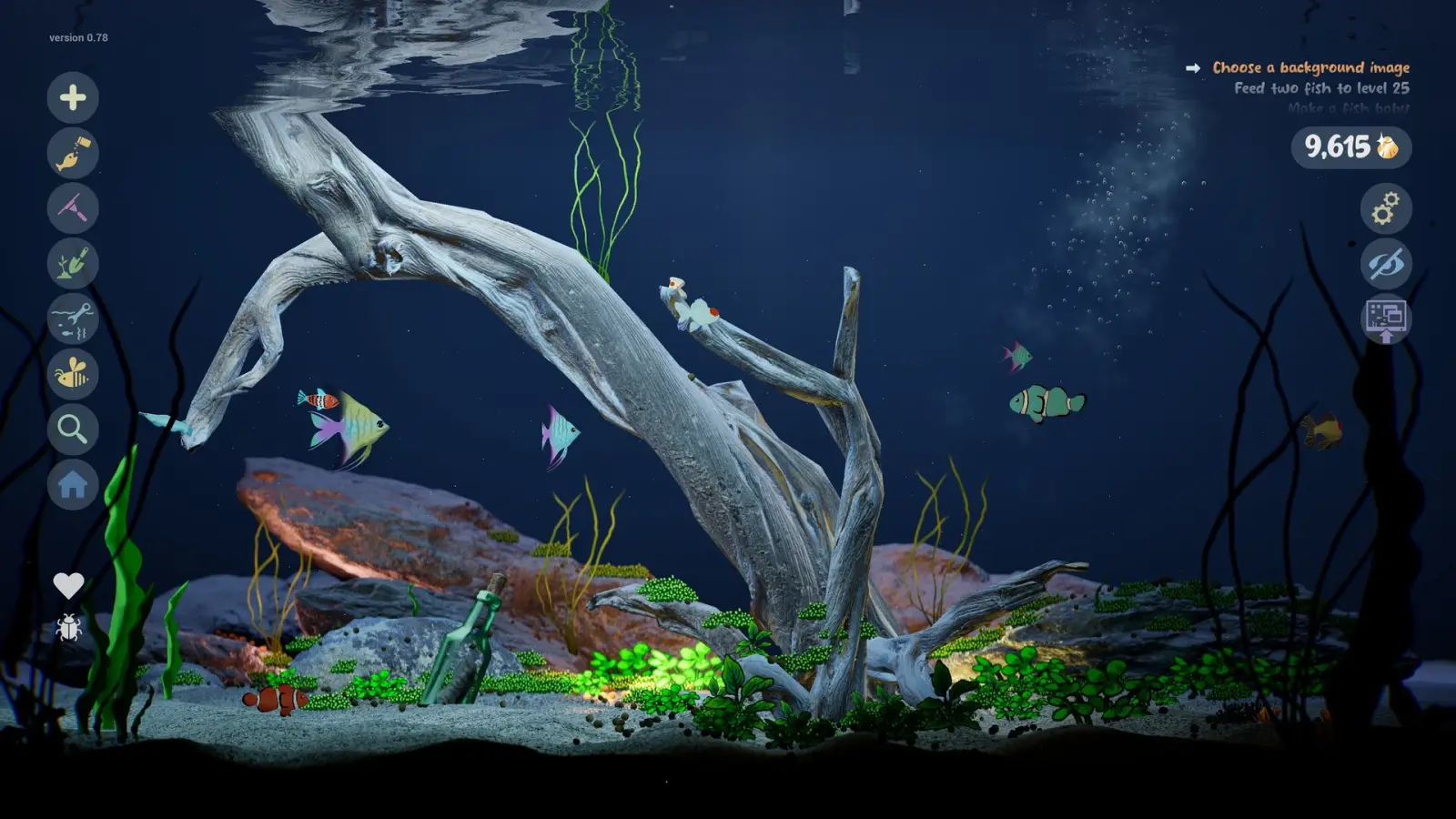
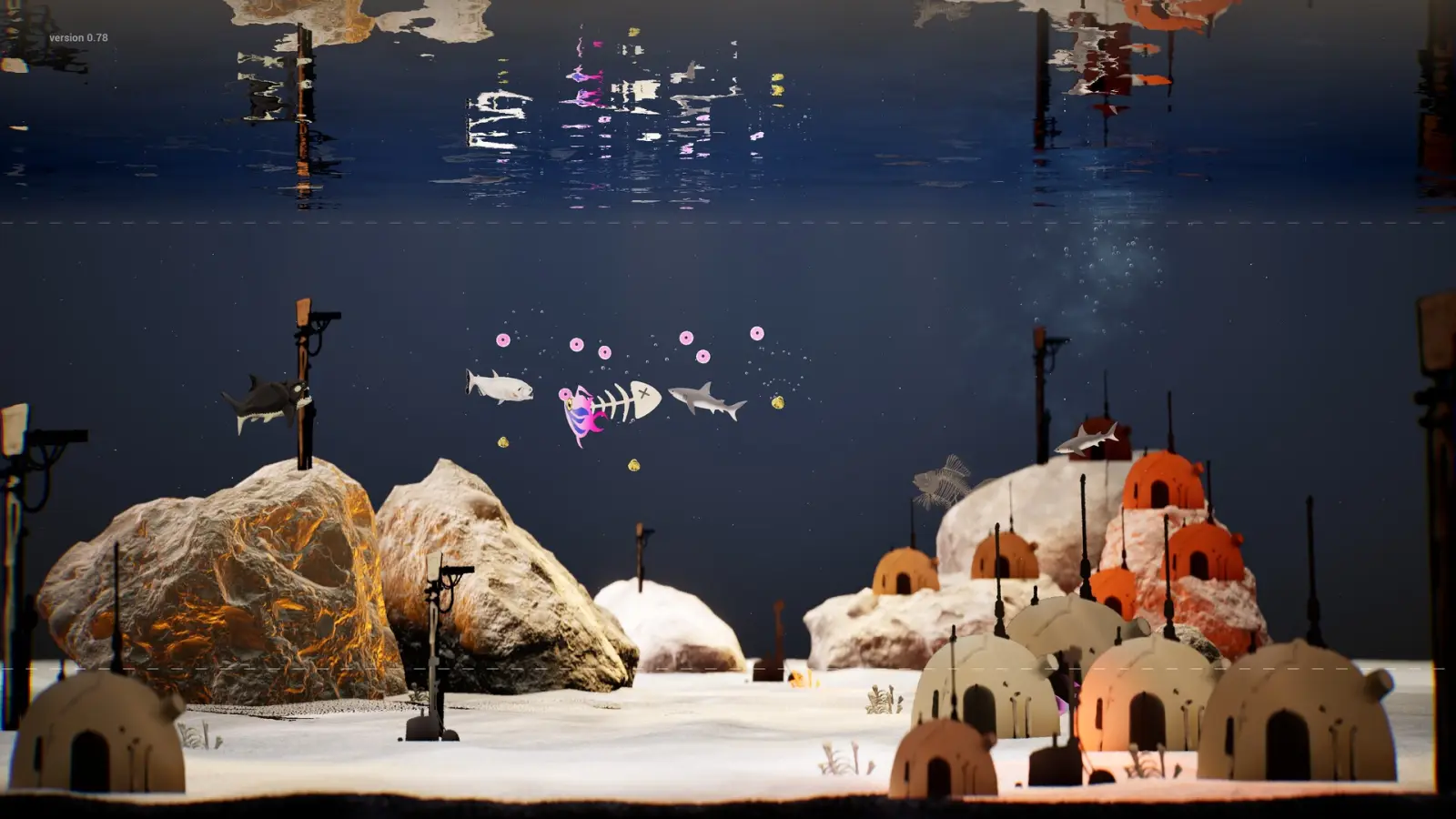
PC Gamer's May 2026 hands-on said the plants came out better than the fish and that a crowded tank looks kinder from a distance. That is one writer's afternoon, not a scoring system. Store screenshots back the idea with tall green fronds, red coral clumps, driftwood, and a desert set that includes a cactus and a tiny house.
Bioluminescent plants are named alongside glowing fish. The disco screenshot fills the background with violet light and luminous stems. I do not have a list of plant templates or a growth stage for kelp, so I will not invent genera or a watering schedule.
Placement versus decoration meshes
Drawn plants are the player's marks. Separate environment controls, visible in a customization screenshot, cover water level, current strength, sand, and numbered props such as driftwood. I file those sliders on the decorations page. This page stays with the living greens you sketch.
A child's PNG can be a resident, and the store does not limit that sentence to fish. I still would not promise that every imported picture is classified as a plant. The page that says so would need a clearer line than the one I have.
Questions people ask
Can I draw plants in Drawquarium?
Yes. The store lists plants next to fish and food as things you draw.
Do plants grow on their own?
A growth stage or watering rule for plants is not published. I am not adding one.
Are corals plants?
Screenshots show red coral as set dressing. The game does not publish a taxonomy, so I do not force coral into the plant category.
Keep going
Sources checked 2026-10-30
- Steam store page, Drawquarium (app 4045480) — checked 2026-10-30
- PC Gamer hands-on, 11 May 2026 — checked 2026-10-30